

Computers
Windows
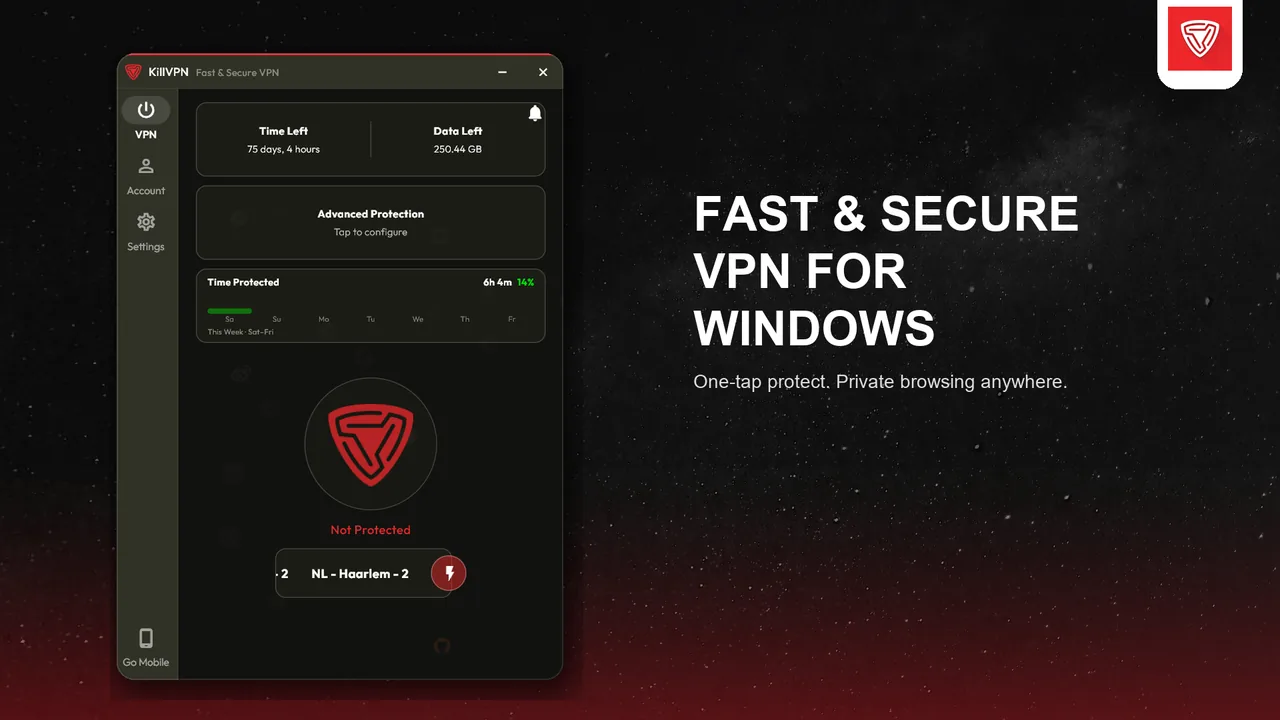
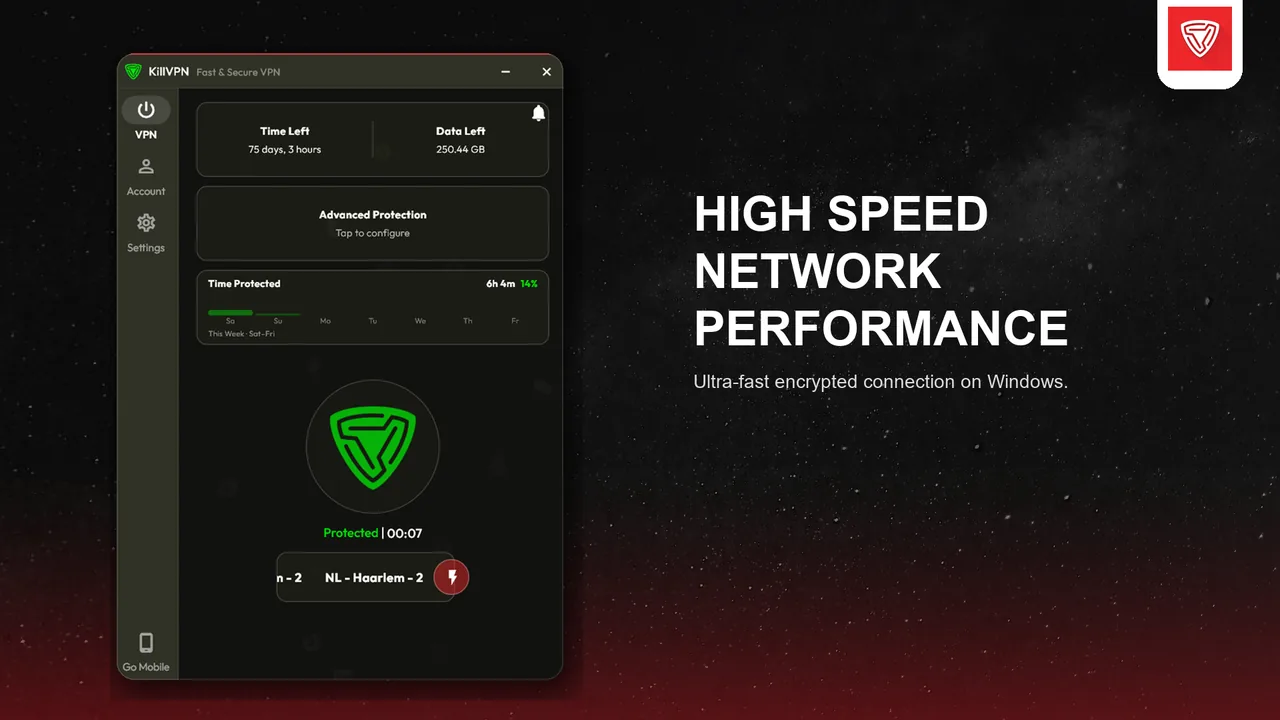
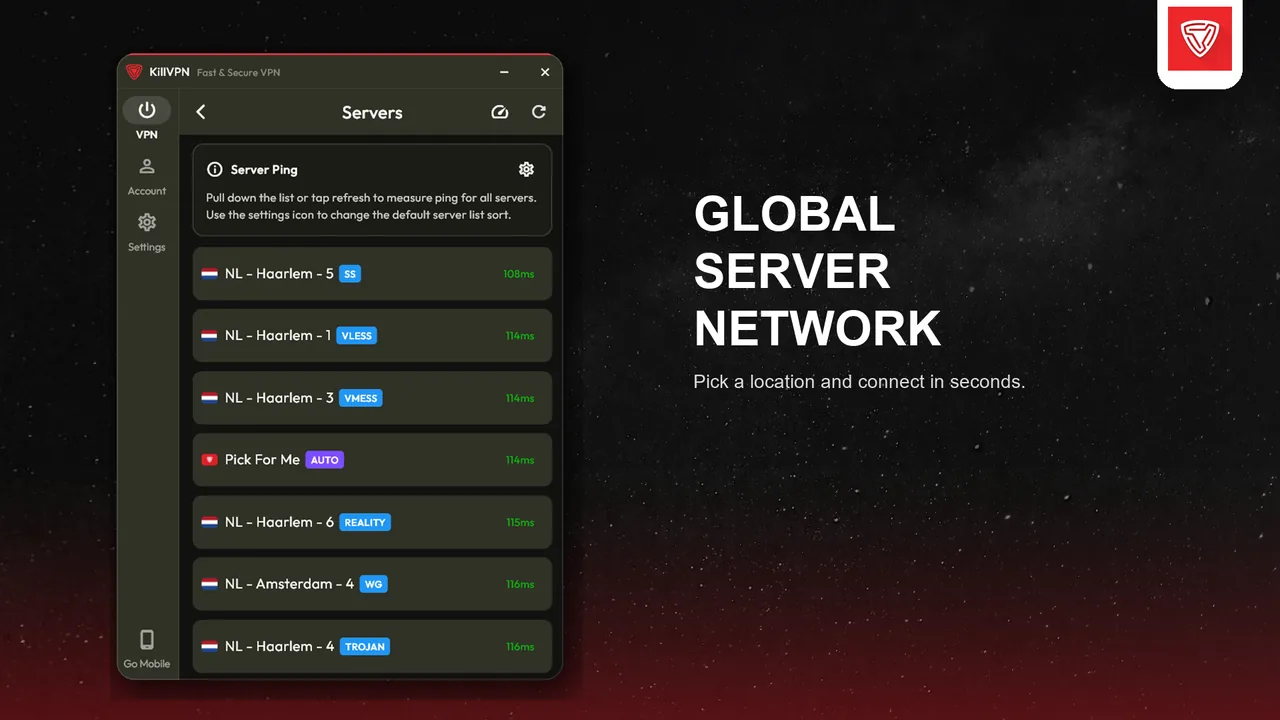
KillVPN for Windows PCs, with a tray icon, launch at startup and per-app split tunneling.
Microsoft Store
Recommended for your deviceRecommended. Signed by Microsoft, installs without SmartScreen warnings and updates automatically.
Windows installer (x64)
Recommended for your deviceFor most Windows PCs (Intel and AMD processors). Use this if the Microsoft Store is not available to you.
- Version
- 6.0.3
- Size
- 49.6 MB
- SHA-256
-
43d40771b02b221628cc13458845f4cc45fedcb2015e1a047c66b4981f8859c4
Windows installer (ARM64)
Recommended for your deviceFor Windows PCs with ARM processors, such as Snapdragon laptops.
Which one should I choose?
Choose the Microsoft Store if it is available to you. Otherwise download the installer: x64 for almost every PC, ARM64 only for PCs with an ARM processor.
If Windows shows a warning
If SmartScreen shows "Windows protected your PC" when you run the installer, click "More info" and then "Run anyway". The Microsoft Store version does not show this warning.
Do not install both
The Microsoft Store version and the installer version cannot be installed at the same time. Uninstall one (Settings → Apps) before installing the other.
You can compare the SHA-256 value with the downloaded file to make sure it was not changed.
Requirements
Windows 10 (version 2004 or later) or Windows 11. Administrator approval is needed once during installation.
Screenshots
What you get
Runs in the tray
Close the window and KillVPN keeps protecting you from the taskbar tray.
Launch at startup
Start KillVPN with Windows, optionally without showing the window.
Split tunneling
Send only the apps you choose through the VPN.
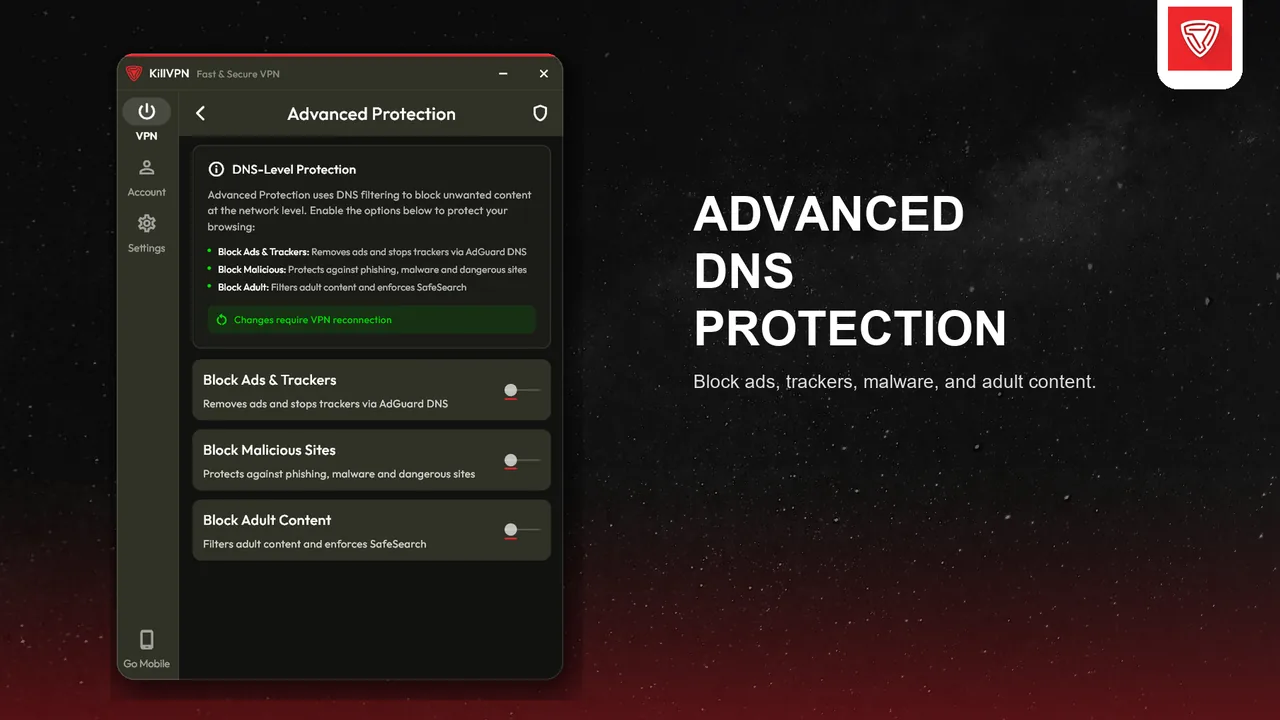
DNS leak protection
DNS requests go through the tunnel while you are connected.
Share via Proxy
Let other devices on your network or Windows hotspot use the VPN.
Two protocols
Modern Xray-based protocols and OpenVPN, chosen per server.
How to install
-
1
Get the app from the Microsoft Store, or download the installer above.
-
2
Run the installer and approve the Windows administrator prompt (needed once for the VPN service).
-
3
Open KillVPN, sign in, pick a server and click Connect.
Questions about Windows
Which Windows versions are supported?
Windows 10 (version 2004 or newer) and Windows 11.
Why does the installer need administrator approval?
KillVPN installs a small Windows service that creates the VPN network adapter and routes. Windows asks for approval once during installation; daily use does not need it.
Microsoft Store or installer — what is the difference?
It is the same app. The Store version is signed by Microsoft and updates through the Store; the installer updates from inside the app. Install only one of them.

